WriteHere
Try WriteHere.
Write a few lines.
Try handwriting recognition and text editing in the free WriteHere App Clip. Use your finger or a capacitive stylus on iPhone and iPad, or Apple Pencil on compatible iPads.
Open on your iPhone or iPad
In Safari, tap Open in the WriteHere banner above. On a computer or another device, scan the App Clip code with your iPhone or iPad’s Camera, then tap the link that appears.
Requires iOS or iPadOS 27 or later. If WriteHere is already installed, the link can open the full app.
Help opening the App Clip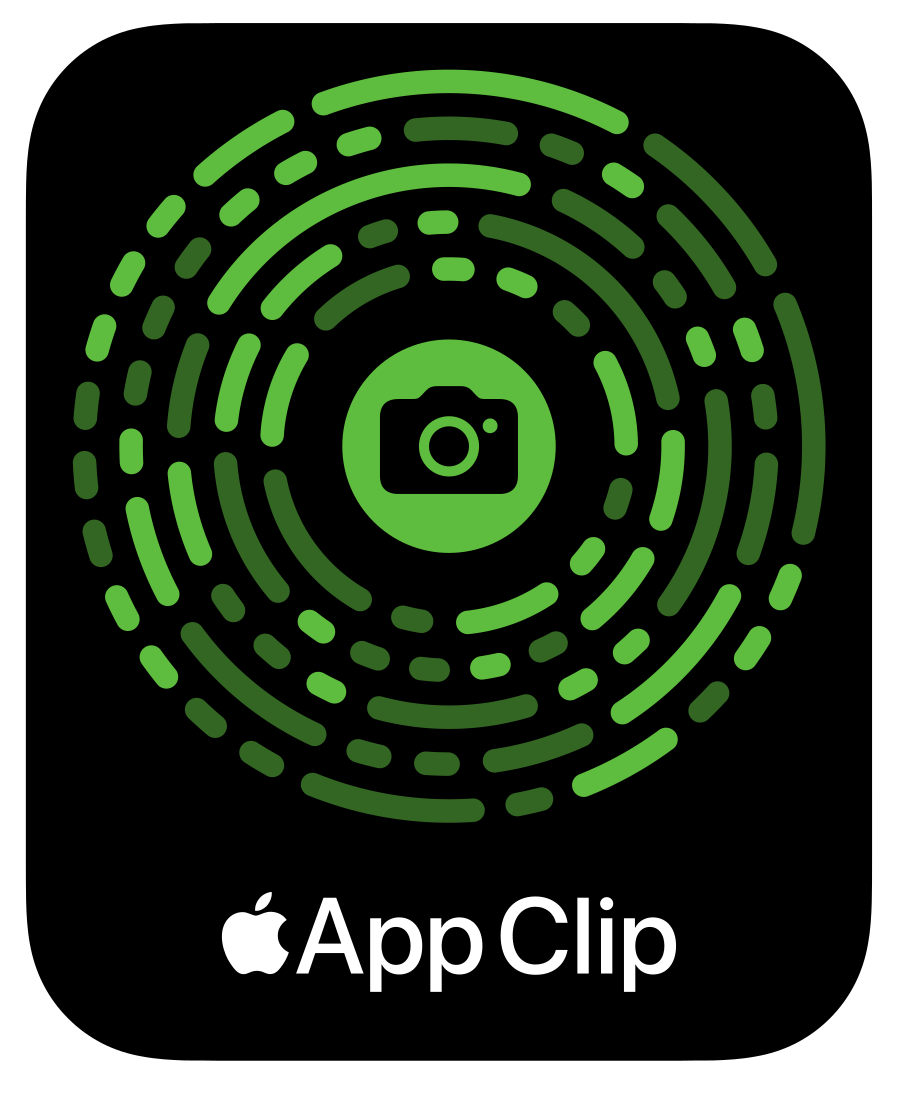
What’s included in the trial
Try writing and editing before purchasing the full app.
Handwriting recognition.
Turn handwriting into editable text, review words in the Register, and try text transforms. Recognition runs on your device.
A separate trial draft.
Copy or share text you want to keep. The draft stays on this device, does not sync to iCloud, and does not automatically transfer to the full app.
The keyboard comes with the full app.
The App Clip does not install the Keyboard Extension or include the saved Notes library. Get the full app for both, along with note organization, Markdown preview, and private iCloud sync.